- 0321 4375395
- info@welsh-global.com

Welsh Global
MOBILE APP DEVELOPMENT
Redefining the Boundaries of App Development.
iOS vs. Android Developers need to choose between iOS (Apple’s operating system) and Android (Google’s operating system) or develop for both platforms. Each platform has its own development environment, programming languages, and design guidelines.
Play Video
MOBILE APP DEVELOPMENT History
Mobile app development has evolved significantly over the years, transforming the way we use and interact with mobile devices. Here’s a brief history of mobile app development
Early Concepts (Antiquity to 20th Century):
Current Trends (2020s – Present):
- Continued emphasis on 5G technology for faster and more reliable connectivity.
- Growing interest in foldable devices and dual-screen experiences.
- Sustainable and eco-friendly app development practices gaining attention.
Early Mobile Applications (1990s – 2000s):
- The concept of mobile applications dates back to the early days of mobile phones, where simple games and utilities were pre-installed on devices.
- The introduction of smartphones, such as the Nokia Communicator series, allowed for more advanced applications, including basic games and productivity tools.
Mobile app development
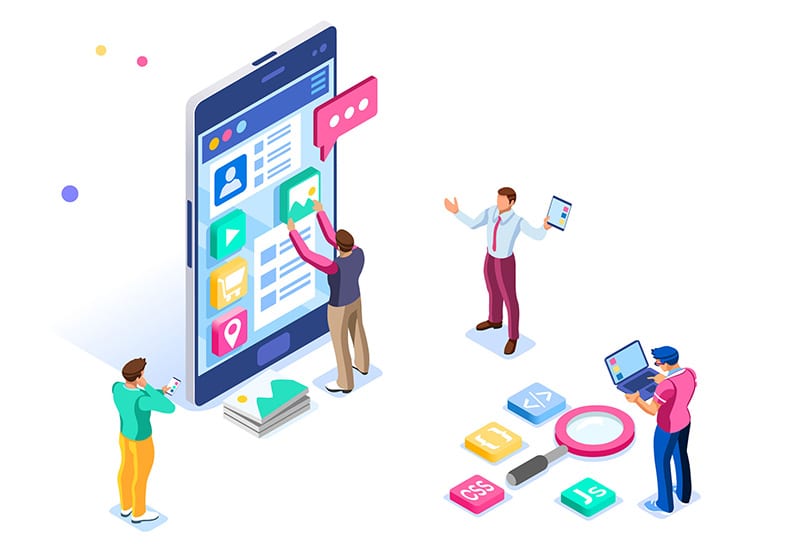
Mobile app development is the process of creating software applications that run on mobile devices such as smartphones and tablets. It involves a combination of programming languages, frameworks, and tools to build applications that cater to the specific features and constraints of mobile platforms. Here is an overview of the key aspects of mobile app development:

1. Platform Selection:
- iOS vs. Android: Developers need to choose between iOS (Apple’s operating system) and Android (Google’s operating system) or develop for both platforms. Each platform has its own development environment, programming languages, and design guidelines.
2. Development Languages:
iOS Develo
- Swift: Apple’s modern programming language designed for iOS development.
- Objective-C: The older language traditionally used for iOS development.
Android Development:
- Java: The traditional language for Android development.
- Kotlin: A more modern and preferred language for Android development.
3. Integrated Development Environment (IDE):
iOS Development:
- Xcode: The official IDE for iOS development, supporting both Swift and Objective-C.
Android Development:
- Android Studio: The official IDE for Android development, supporting both Java and Kotlin.
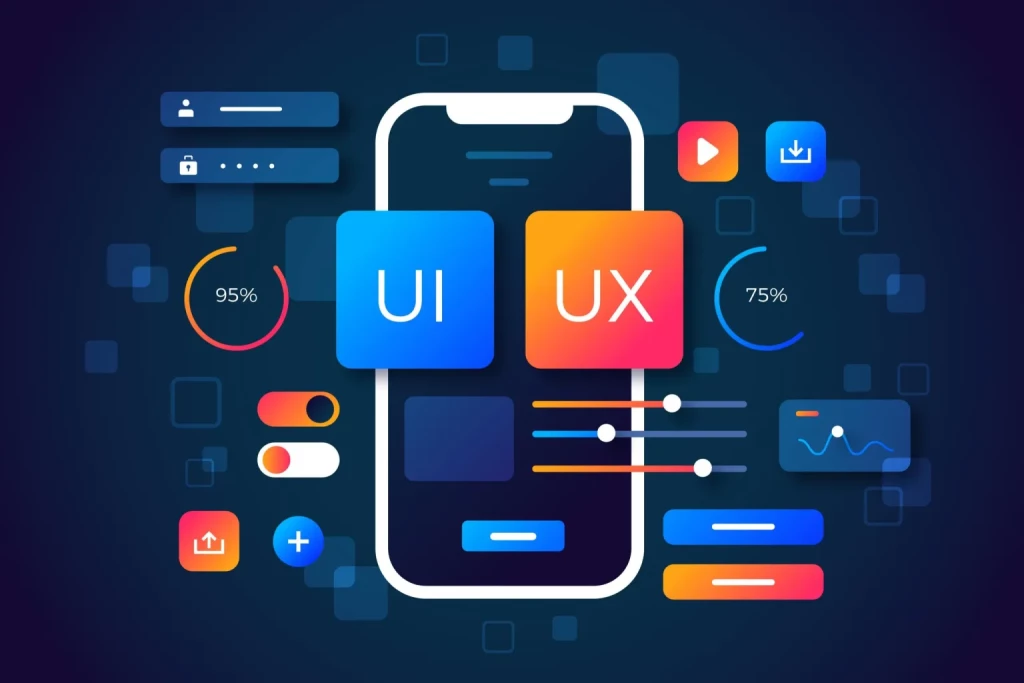
4. User Interface (UI) Design:
- Creating an intuitive and visually appealing user interface using tools like Interface Builder (iOS) or XML layout files (Android).
- Adhering to platform-specific design guidelines (Human Interface Guidelines for iOS, Material Design for Android).
5. Application Architecture:
- Designing the overall structure of the app, including how data is managed, how components interact, and the flow of the application.
- Common architectures include Model-View-Controller (MVC), Model-View-Presenter (MVP), and Model-View-ViewModel (MVVM).
6. Data Management:
- Storing and retrieving data from local databases or remote servers.
- Implementing data caching and synchronization strategies for offline functionality.
7. API Integration:
- Connecting the app to external services and APIs for features such as authentication, data retrieval, and push notifications.
8. Testing:
- Performing unit testing, integration testing, and UI testing to ensure the app functions correctly.
- Emulator/simulator testing for different devices and screen sizes.
9. Deployment:
- Preparing the app for release, including optimizing performance and resolving any issues.
- Submitting the app to the Apple App Store (iOS) or Google Play Store (Android).
10. Maintenance and Updates:
- Monitoring user feedback and addressing bug fixes and performance issues.
- Regularly updating the app to introduce new features, improvements, and compatibility with the latest OS versions.
11. Security:
- Implementing secure coding practices to protect user data and prevent vulnerabilities.
- Encrypting sensitive information and using secure communication protocols.
12. Monetization Strategies:
- Implementing monetization models such as in-app purchases, advertisements, or subscription services.
13. Analytics and User Feedback:
- Integrating analytics tools to track user behavior and app performance.
- Collecting and analyzing user feedback to inform future updates and enhancements.

Mobile App Development course can vary based on factors such as the level of the course (beginner, intermediate, advanced), the target platform (iOS, Android, cross-platform), and the specific technologies covered. Here is a generalized outline of the course content for a comprehensive mobile app development program:
Module 1: Introduction to Mobile App Development
- Overview of mobile app development landscape
- Introduction to iOS, Android, and cross-platform development
- Setting up development environments (Xcode, Android Studio, etc.)
Module 2: Programming Fundamentals
- Basics of programming languages (Swift for iOS, Kotlin/Java for Android)
- Control structures, data types, and variables
- Functions and object-oriented programming principles
Module 3: User Interface (UI) Design
- UI/UX design principles for mobile applications
- Design tools and prototyping (Sketch, Figma, Adobe XD)
- Implementing responsive and adaptive design
Module 4: Mobile App Architecture
- Model-View-Controller (MVC) architecture
- Exploring other architectures like MVVM and VIPER
- Dependency injection and modularization
Module 5: iOS App Development
- Creating a basic iOS app using Swift
- Interface Builder and Auto Layout
- UIKit framework and commonly used components
Module 6: Android App Development
- Building a basic Android app using Kotlin/Java
- User interface components and layouts
- Activity and Fragment lifecycle
Module 7: Cross-Platform Development
- Introduction to cross-platform frameworks (React Native, Flutter, Xamarin)
- Writing code for multiple platforms with a single codebase
Module 8: Database Integration
- Local storage using SQLite or Realm
- Remote data storage with Firebase or other cloud databases
- Data synchronization and offline capabilities
Module 9: APIs and Web Services
- Consuming RESTful APIs
- Parsing JSON data
- Authentication and authorization
Module 10: Mobile App Testing
- Unit testing and UI testing
- Testing on emulators and real devices
- Debugging and troubleshooting
Module 11: Deployment and Distribution
- Preparing apps for release
- App store submission process (App Store, Google Play)
- Handling updates and versioning
Module 12: Performance Optimization
- Identifying and resolving performance bottlenecks
- Memory management and resource optimization
- Profiling tools and techniques
Module 13: Security and Privacy
- Best practices for securing mobile applications
- Data encryption and secure communication
- Compliance with privacy regulations (GDPR, CCPA)
Module 14: Monetization Strategies
- Overview of monetization models (freemium, in-app purchases, ads)
- Integrating payment gateways
- Analytics and user engagement metrics
Module 15: Emerging Trends
- Introduction to emerging technologies (AR, VR, IoT)
- Exploring the impact of 5G on mobile app development
- Sustainability and eco-friendly app development practices
Module 16: Final Project
- Capstone project to apply learned concepts
- Individual or group-based project development
- Presentation and peer review
Mobile app development involves the use of various tools to streamline the development process, enhance productivity, and ensure the quality of the final product. The choice of tools often depends on the platform (iOS, Android, or cross-platform) and the specific requirements of the project. Here are some commonly used tools in mobile app development:
Development Environments:
Xcode:
- Platform: macOS (iOS)
- Description: Official integrated development environment (IDE) for iOS app development using Swift or Objective-C.
Android Studio:
- Platform: Windows, macOS, Linux (Android)
- Description: Official IDE for Android app development using Kotlin or Java.
Visual Studio (Visual Studio Code):
- Platform: Windows, macOS, Linux (Cross-platform)
- Description: Microsoft’s IDE and code editor supporting various languages. Visual Studio is used for Xamarin development.
Cross-Platform Development:
React Native:
- Description: A JavaScript framework for building cross-platform mobile apps. Allows developers to write code in JavaScript and render using native components.
Flutter:
- Description: Google’s UI toolkit for building natively compiled applications for mobile, web, and desktop from a single codebase.
Xamarin:
- Description: A Microsoft-owned framework for building cross-platform apps using C# and the .NET framework.
Design and Prototyping:
Sketch:
- Platform: macOS
- Description: A vector-based design tool for UI/UX designers, commonly used for creating app interfaces.
Adobe XD:
- Platform: Windows, macOS
- Description: A vector-based design and prototyping tool for creating interactive prototypes of mobile apps.
Version Control:
Git:
- Description: A distributed version control system widely used for tracking changes in source code during development.
GitHub / GitLab / Bitbucket:
- Description: Platforms that provide hosting for software development and version control using Git.
Database:
Realm:
- Description: A mobile database platform that can be used as a local database in mobile apps.
Firebase:
- Description: A comprehensive mobile development platform by Google that includes a real-time database, authentication, and hosting.
Testing and Debugging:
Appium:
- Description: An open-source tool for automating mobile applications on iOS and Android platforms.
Calabash:
- Description: An open-source framework for mobile app testing.
Charles Proxy:
- Description: A proxy tool for debugging and monitoring HTTP/HTTPS traffic between a mobile app and the internet.
Analytics and Monitoring:
Firebase Analytics:
- Description: A part of the Firebase platform, providing insights into user behavior and app usage.
Crashlytics:
- Description: A crash reporting tool that helps developers track and fix issues in real-time.
Continuous Integration/Continuous Deployment (CI/CD):
Jenkins:
- Description: An open-source automation server used for building, testing, and deploying applications.
Travis CI:
- Description: A cloud-based CI/CD service for automating the build and testing process.
Assessment in mobile app development courses typically involves a combination of theoretical understanding, practical skills, and the ability to apply knowledge to real-world scenarios. Here is an overview of common assessment methods used in mobile app development courses:
Quizzes and Exams:
- Assess theoretical knowledge of programming languages, mobile app architecture, and development principles.
- Evaluate understanding of key concepts, syntax, and best practices.
Coding Assignments:
- Assignments may involve developing specific features or functionalities of a mobile app.
- Assess practical coding skills, implementation of algorithms, and adherence to coding standards.
Individual or Group Projects:
- Capstone projects requiring the development of a complete mobile app from concept to deployment.
- Evaluate the ability to apply learned concepts to solve real-world problems.
Code Reviews:
- Peer or instructor-led code reviews to assess code quality, adherence to coding standards, and the effectiveness of problem-solving.
UI/UX Design Projects:
- Design assignments or projects assessing the ability to create visually appealing and user-friendly interfaces.
- May include wireframing, prototyping, and usability testing.
Testing and Debugging Exercises:
- Practical assessments involving testing strategies, identifying and fixing bugs, and ensuring the reliability of the mobile app.
Version Control and Collaboration:
- Assess the use of version control systems (e.g., Git) and collaboration tools to manage code changes and work effectively in a team.
Presentations and Demonstrations:
- Students may be required to present their projects, explain design decisions, and demonstrate the functionality of their mobile apps.
- Evaluate communication and presentation skills.
Mobile App Deployment:
- Assess the ability to prepare and deploy mobile apps to app stores (e.g., App Store, Google Play).
- Ensure understanding of the submission and review processes.
Continuous Integration/Continuous Deployment (CI/CD) Practices:
- Evaluate the implementation of CI/CD pipelines for automated testing and deployment.
- Assess understanding of continuous integration principles.
Documentation:
- Submission of technical documentation accompanying the code, explaining design decisions, and providing usage instructions.
- Assess communication and documentation skills.
Problem-Solving Exercises:
- Real-world problem-solving scenarios that require students to apply their programming and app development skills.
- Assess critical thinking and problem-solving abilities.
Popular Courses
Popular online courses include “Complete Python ” “Web Developer,” and “Machine Learning” “Google Data Analytics” and “Business Foundations” specializations. For AI and ML, Berkeley ExecEd’s “AI Business Strategies” and Coursera’s “Deep Learning Specialization” are popular.
Artificial Intelligence (AI) stands at the forefront of technological innovation, representing a paradigm shift in the way we approach problem-solving, decision-making, and automation
MACHINE LEARNING
Machine learning is a branch of artificial intelligence (AI) and computer science which focuses on the use of data and algorithms to imitate the way that humans learn, gradually improving its accuracy.
Mobile app development is the process of creating software applications that run on mobile devices such as smartphones and tablets.
AMAZON
Amazon (Amazon.com) is the world’s largest online retailer and a prominent cloud service provider.
198+
Success Stories
20+
Courses
1742+
Happy Students
13
Years Experience
MOBILE APP DEVELOPMENT
FAQ
Below, you’ll find answers to the most frequently asked questions. If you don’t find an answer to what you’re looking for, please feel free to contact us!
Common programming languages for mobile app development include Swift and Objective-C for iOS, and Kotlin and Java for Android. Cross-platform development frameworks like React Native and Flutter use JavaScript and Dart, respectively. Xamarin uses C#.
Mobile app architecture typically includes the Model-View-Controller (MVC) or similar patterns. Components include UI (View), business logic and data management (Model), and the controller that manages user input and communicates between the View and Model.
Consider factors like development time, cost, performance, and the target audience. Native development provides better performance but may require more resources. Cross-platform frameworks offer code reuse but may have some performance trade-offs.
Design tools like Sketch, Adobe XD, and Figma are popular for creating UI/UX designs and prototypes. These tools help designers create visually appealing and user-friendly interfaces.
Testing involves unit testing, UI testing, and device testing. Tools like Appium, Calabash, and XCTest are used for automated testing. Manual testing on real devices and emulators is also essential.
CI/CD involves automating the building, testing, and deployment processes. Jenkins, Travis CI, and GitLab CI are popular tools. CI/CD ensures code quality, reduces manual errors, and speeds up the development lifecycle.
Implement secure coding practices, encrypt sensitive data, use secure communication protocols (HTTPS), and perform regular security audits. Protect against common threats like SQL injection, cross-site scripting, and data breaches.
Monetization models include freemium (free with in-app purchases), subscription-based, and advertising. In-app purchases, ads, and premium features are common revenue sources.